

What we do / Let’s talk about / Are you retaining former employees’ Microsoft 365 data forever?
Are you retaining former employees' Microsoft 365 data forever?
An employee left five years ago. Why do you still have all their data?
Employee offboarding typically concentrates on identity:
- Disable account→
- Revoke access→
- Remove licence
But that is only the end of the employee lifecycle.
It is not necessarily the end of the information lifecycle.
Challenge
Do you know:
- What happens to a leaver's mailbox?
- What happens to their OneDrive?
- Who takes ownership of required business information?
- Which information must be retained?
- What is subject to legal hold?
- What should be transferred?
- What can be deleted?
- When will deletion actually happen?
Keeping everything forever is not an information governance strategy.
Example
The employee left five years ago. Their Microsoft 365 data did not.
Their account is disabled and the licence is long gone, but their mailbox and OneDrive information remain because retention controls were designed to preserve data without an effective process for eventual disposal.
Now multiply that across years of employee departures.
What began as a sensible instruction to “make sure we do not delete anything important” can result in data belonging to thousands of former employees being retained with no clear business justification or end date.

CloudWay recommends
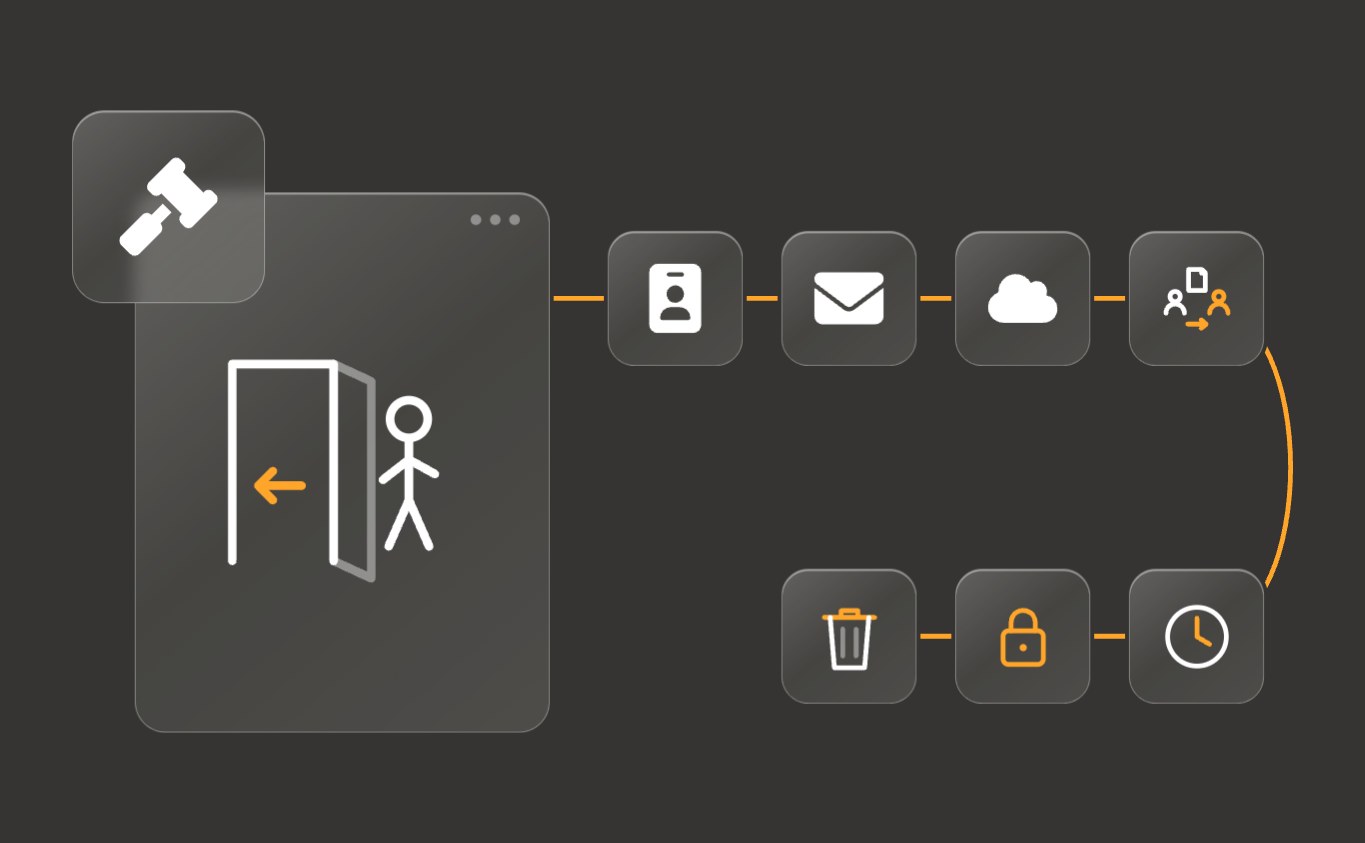
Treat employee departure as both an identity lifecycle event and an information lifecycle event.
CloudWay maps:
We identify why legacy information remains, distinguish what genuinely needs to be retained, align IT, HR, Legal and Records Management requirements, and establish predictable disposal.
Book a 20-minute call and talk it through with CloudWay.