

What we do / Let’s talk about / Do you know where your sensitive data is exposed?
Do you know where your sensitive data is exposed?
You cannot protect sensitive data if you do not know where it is, who can access it and how it is being used.
Sensitive information exists across SharePoint, OneDrive, Teams and Exchange. Finding it is only the beginning.
The real challenge is understanding where sensitive information creates risk because of how it is accessed, shared, protected and used.
Challenge
Can you answer:
- What sensitive information do we hold?
- Where is it stored?
- Who can access it?
- Is that access appropriate?
- Is the information classified and protected?
- Where is it overshared?
- How is it being used?
- Which risks should we address first?
Microsoft 365 can provide large volumes of security and compliance information. The challenge is turning that evidence into prioritised action.
Example
The acquisition has not yet been announced.
The finance team stores valuations, forecasts and negotiation documents in a SharePoint site intended for a small deal team.
An access review reveals that historic permissions have made the site available to hundreds of employees.
There was no breach alert. No malicious activity. No obvious warning.
The permissions were working exactly as configured. They were simply wrong.
The question is not whether your organisation stores sensitive information in Microsoft 365.

CloudWay recommends
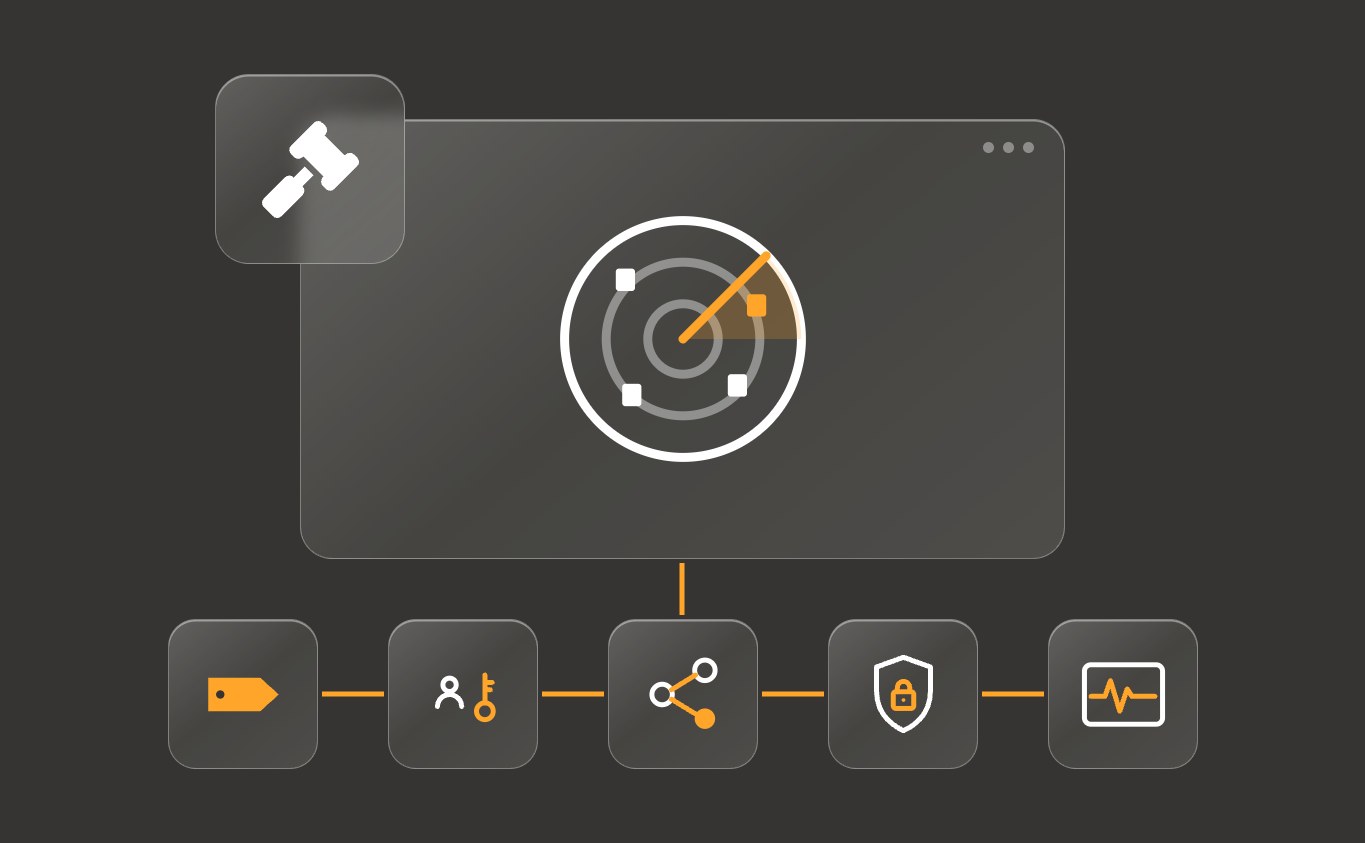
Don’t assess sensitive data in isolation. Build a data security baseline that brings together:
CloudWay uses Microsoft Purview Data Security Posture Management and Microsoft 365 evidence to identify where combinations of sensitive information, excessive access, inadequate protection and risky activity create the greatest exposure.
We then prioritise remediation according to business risk rather than attempting to address every finding equally.
Book a 20-minute call and talk it through with CloudWay.