

What we do / Let’s talk about / How do you stop sensitive data leaking through Microsoft 365, Copilot and Shadow AI?
How do you stop sensitive data leaking through Microsoft 365, Copilot and Shadow AI?
Sensitive information can leave through email, file sharing, endpoints and AI. Microsoft Purview DLP helps you control what happens when it does.
Employees share information every day. They send emails, collaborate through Teams, share files from SharePoint and OneDrive, copy information to devices and increasingly use company data with Copilot and other generative AI services.
Most of those actions are legitimate.
The challenge is recognising when a normal action creates a data-loss risk and applying the right control at the right moment.
Challenge
Organisations need to understand:
- What sensitive information needs protecting?
- Where can that information be shared?
- Which activities should be monitored, warned or blocked?
- When should users be allowed to override a warning with justification?
- How can sensitivity labels and sensitive information types be used within DLP?
- What happens when sensitive information is used with Copilot?
- How do you prevent employees sharing corporate data with Shadow AI services?
- How do you extend protection to endpoints, browsers and cloud applications?
- How do you introduce DLP without creating so many restrictions that employees find ways around them?
The objective is not to block everything.
It is to understand the data, the action, the destination and the risk, and respond proportionately.
Example
It is 4:30 on Friday afternoon. An employee has a customer analysis that normally takes two hours to complete.
They discover an AI service that can do it in minutes.
They upload a spreadsheet containing customer names, contact details, sales figures and commercially sensitive account information and ask:
“Analyse this data and tell me which customers we should target next quarter.”
The employee is not trying to leak company data.
They are trying to get their work finished.
The organisation has approved Copilot, but the employee has chosen a different AI service because it was convenient and immediately available.
Without the right controls, sensitive information can leave through an everyday user action before the security team even knows the AI service is being used.
With the right DLP strategy, the organisation can identify sensitive information and apply different controls depending on what the data is, where it is going and what the employee is trying to do.

CloudWay recommends
Start with the data, business process and risk, rather than switching on every available DLP rule.
CloudWay maps how sensitive information moves across:
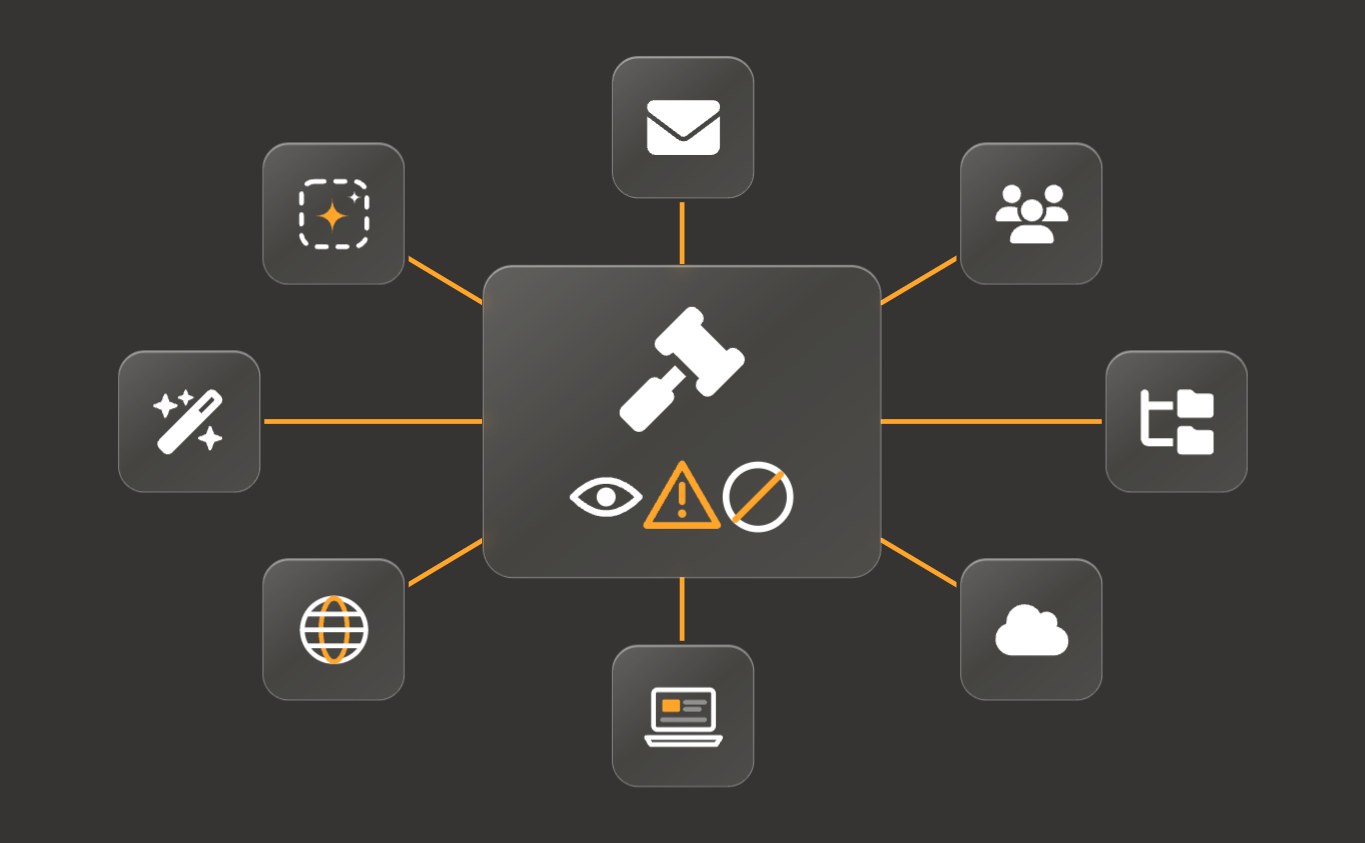
We then design Microsoft Purview DLP policies around real business scenarios, using sensitivity labels and data classification to determine when an activity should be monitored, warned, justified or blocked.
Controls are introduced progressively, starting with visibility and testing before moving to enforcement. This helps protect sensitive information without unnecessarily disrupting legitimate work.
Book a 20-minute call and talk it through with CloudWay.